Verified Gross Mass (VGM) Declaration Template
Verified Gross Mass (VGM) Declaration is a very important legal document used in international trade as it represents a statement of the combined weight of a container, including its bracing and dunnage, and tare weight. SOLAS requires the shipper to provide VGM before vessel loading.
What is a Verified Gross Mass (VGM) Declaration used for?
If a container’s mass is not verified, and a VGM is not determined, it can result in the spatial planning of the stowage process being skewed, with heavier containers taking precedence over lighter containers, resulting in possible stack collapses.
To prevent any incidents like this, shippers must provide a VGM document before the containerized goods can be received at the port of export or loaded on board a ship.
There are 2 approved methods that must be used to declare the Verified Gross Mass:
METHOD 1 - Final weight of the packed container is taken using calibrated and certified weighing equipment Shippers can weigh the loaded shipping container and declare the Verified Gross Mass. Shippers can also request your freight forwarder to arrange weighing of your container when the truck is delivering the container to the port. The truck will be weighed at a weighbridge and the total weight will be recorded and the freight forwarder will oncharge for this service.
METHOD 2 – The Shipper manually calculates the total Verified Gross Mass. The shipper must accurately record the weight of cargo, dunnage and packaging materials used to load goods inside shipping containers. The cargo weight, dunnage/packing materials and container tare weight are then added together to get the total verified gross mass of the container.

How to Create a Verified Gross Mass (VGM) Declaration in Freightnaut
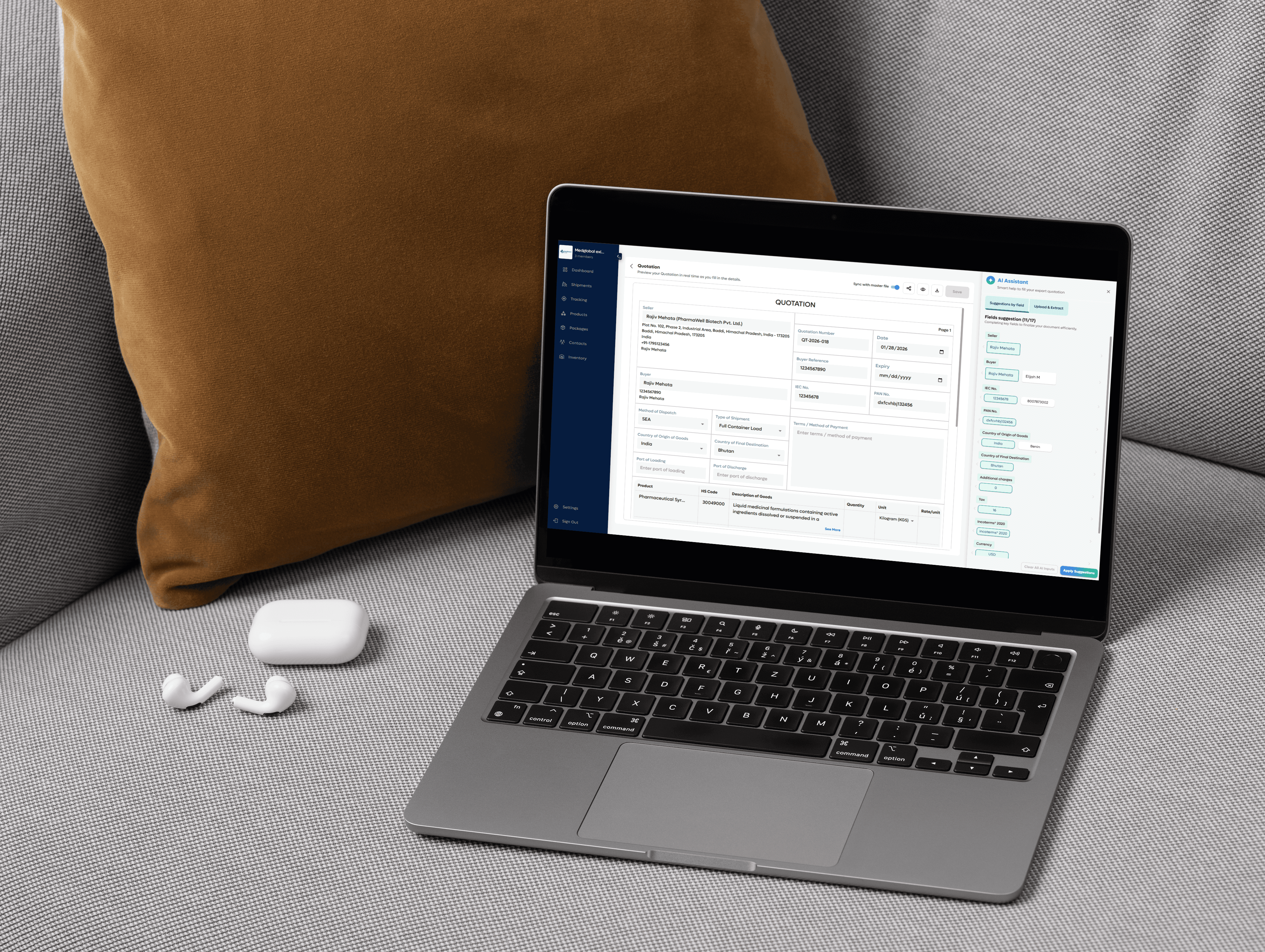
Open Freightnaut: Log in to Freightnaut in your browser and navigate to the Shipment section from the main dashboard.
Choose the Verified Gross Mass (VGM) Declaration: Click Create New Shipment and select Verified Gross Mass (VGM) Declaration from the list of available export document templates. You can include other related shipping documents in the same document set if required.
Fill out & customize with AI assistance: Enter container, shipment and weight details as required for SOLAS compliance.
Freightnaut’s AI Assistant helps you:
Auto-fill shipment data from saved records
Sync container and shipment details across documents
Flag missing or inconsistent weight information
You can also customize fields and apply your company letterhead and branding.
Sign & seal digitally: Add a digital signature in the designated signature field and save the document.
From the document preview screen, apply your digital company seal or stamp in one click no printing or scanning required.Download or share instantly: Download or share the VGM Declaration in PDF or CSV format with a single click.
Documents can be easily shared with carriers, terminals, or freight forwarders, or imported into other systems without manual data re-entry.
Your questions, answered
What information is included on a Verified Gross Mass (VGM) Declaration?
A Verified Gross Mass (VGM) Declaration is a mandatory document under SOLAS regulations. It confirms the accurate weight of a packed container before it is loaded onto a vessel.
In Freightnaut, the VGM Declaration includes all required fields and helps ensure compliance before submission.
A standard VGM Declaration includes:
Shipper (exporter) details – company name, address, and contact information
Shipper’s reference number – internal or shipment reference
Verification method used – Method 1 (weighing the packed container) or Method 2 (calculating weight of cargo plus container tare)
Verified gross mass (kg) – final confirmed container weight
Container number – unique container identification
Vessel name and voyage number – planned ocean transport details
Place and date of issue – where and when the VGM was declared
Signatory company name – entity responsible for the declaration
Authorized signatory details – name, date, and digital signature
Freightnaut’s AI assistance helps validate weight data and ensures all mandatory fields are completed before the document is shared with carriers or terminals.