Non Asbestos Declaration Template
A Non Asbestos Declaration is an important document in shipping that helps customs authorities determine if the goods you are importing or exporting are free of asbestos.
What is a Non Asbestos Declaration used for?
Many different types of declarations can be made. In this case, a Non Asbestos Declaration document is used by customs authorities to determine if goods that have been exporters are free of asbestos material and to align with the country of import’s local laws and regulations for Prohibited or Restricted goods.
Types of Prohibited Asbestos Materials
There are several varieties of mineral silicates that belong to the serpentine or amphibole groups of rock-forming materials that include:
Actinolite Asbestos
Grunerite (or Amosite) Asbestos (Brown)
Anthophyllite Asbestos
Chrysotile Asbestos (White)
Crocidolite asbestos (Blue)
Tremolite Asbestos
A mixture that contains one or more of the minerals above

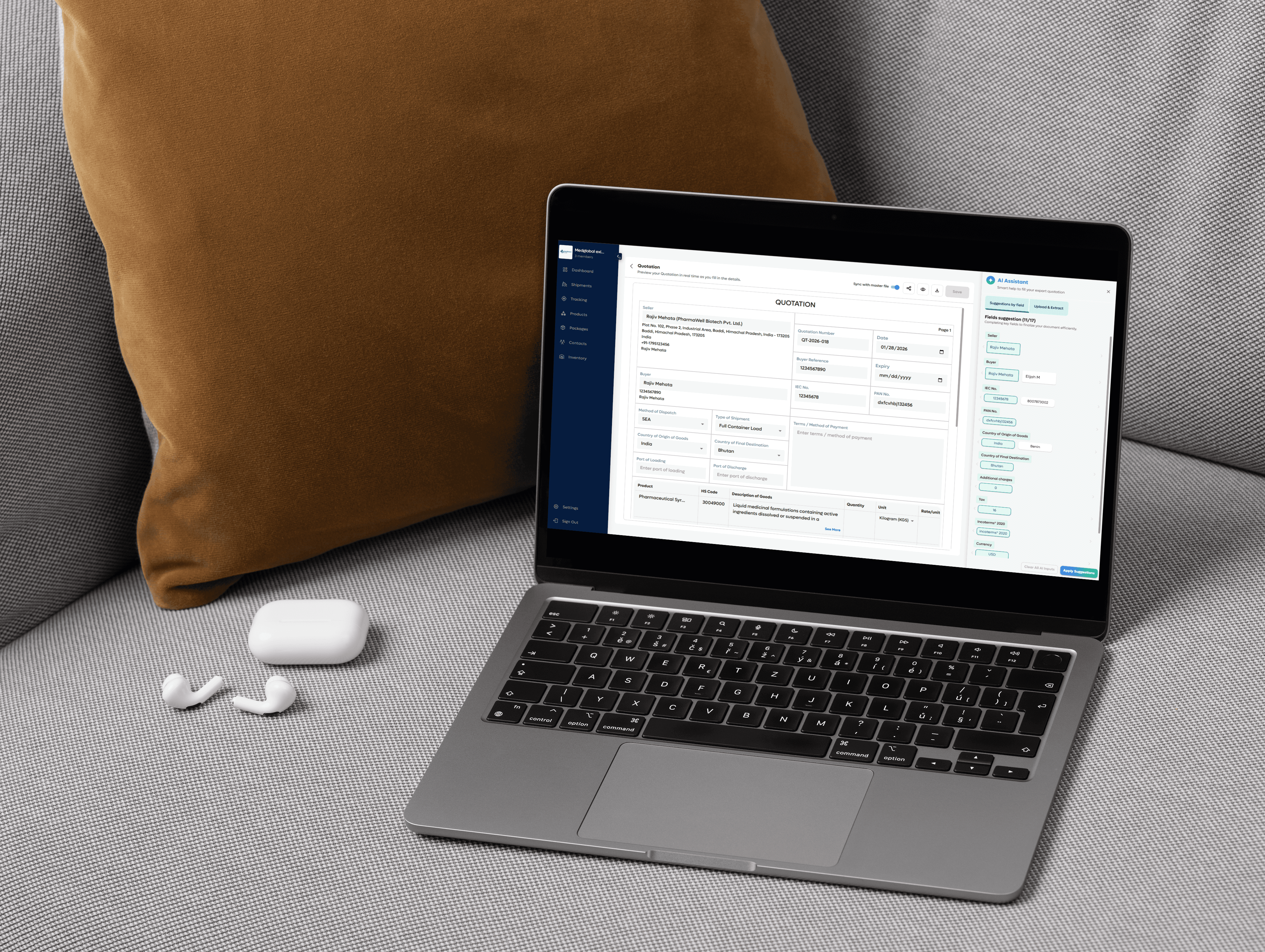
How to Create a Non-Asbestos Declaration in Freightnaut
Open Freightnaut: Log in to Freightnaut in your browser and navigate to the Export Documents section from the dashboard.
Choose the Non-Asbestos Declaration: Click Create New Shipment and select Non-Asbestos Declaration from the list of available export document templates.You can include other required compliance or shipping documents in the same document set.
Fill out & customize with AI assistance: Enter product, shipment and compliance details required to confirm that goods do not contain asbestos.
Freightnaut’s AI Assistant helps you:
Auto-fill exporter, consignee, and shipment data
Sync details across all documents in the set
Flag missing or inconsistent compliance information
You can also customize fields and add your company letterhead and branding.
Sign & seal digitally: Add a digital signature in the designated signature field and save the document.
From the document preview screen, apply your digital company seal or stamp in one click no printing, scanning or manual handling required.Download or share instantly: Download or share the Non-Asbestos Declaration in PDF or CSV format with a single click.
Documents can be securely shared with customs authorities, buyers, inspection agencies, or logistics partners or imported into other systems without manual re-entry.
Your questions, answered
What information is included on a Non-Asbestos Declaration?
A Non-Asbestos Declaration is a compliance document used to confirm that exported goods do not contain asbestos. Providing complete and accurate information is essential to avoid delays during customs clearance.
In Freightnaut, the Non-Asbestos Declaration template is designed to meet common customs and regulatory requirements.
Important: Most customs authorities require this declaration to be issued on the exporter’s or manufacturer’s official company letterhead.
Required details on a Non-Asbestos Declaration
A standard Non-Asbestos Declaration includes the following information:
Manufacturer or shipper details
Company name, registered address, and contact informationThe declaration statement
A formal statement confirming that the goods do not contain asbestos and were not exposed to asbestos during manufacture.
Example wording:This declaration confirms that the goods shipped under Commercial Invoice No. 36511 do not contain asbestos and were not exposed to asbestos during the manufacturing process. We agree to provide supporting documentation if required and to notify all relevant parties in writing of any changes that may affect the validity of this declaration for future shipments.
Manufacturer’s or exporter’s signatory details
Authorized representative responsible for the declarationPlace and date of issue
Location and date the declaration was madeSignatory company name
Legal entity issuing the declarationName of authorized signatory
Person authorized to sign on behalf of the companySignature
Digital or handwritten signature, depending on authority requirements
Freightnaut helps ensure all required fields are completed and allows you to apply your letterhead, digital signature, and company seal before sharing the document with customs or buyers.