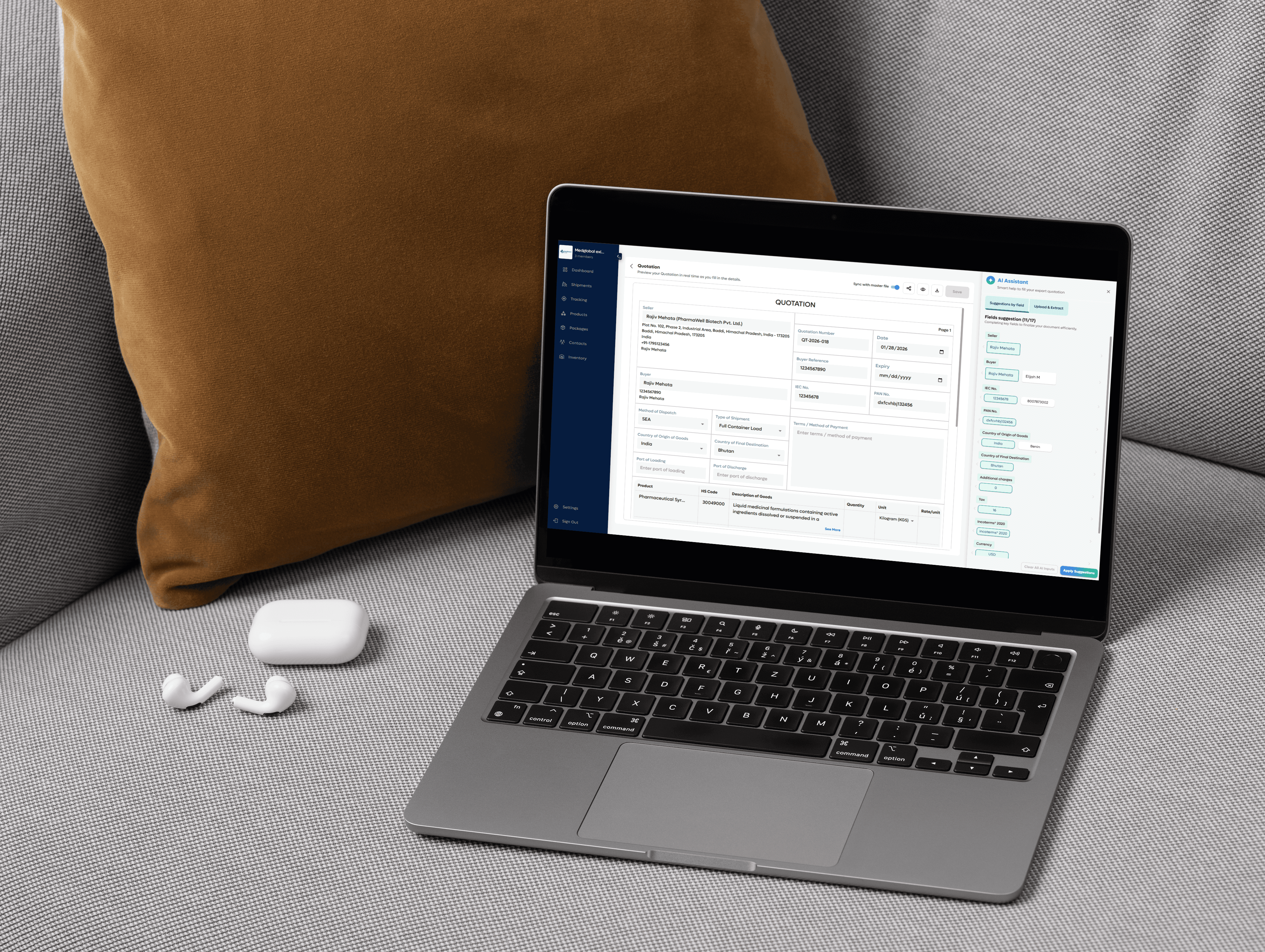
Declaration (Universal) Template
This is a universal declaration template which can be used to provide any guaranteed statement in relation to the production or shipment of goods.
What is a Declaration (Universal) used for?
During the import-export process, the shipper and/or manufacturer is required to submit important documentation - including declarations in some instances - which are then shared with importers, freight forwarders and customs brokers for use in the customs clearance and quarantine process.
In this case, a Declaration document can be used to provide a company guaranteed statement that relates to the production or shipment of products.

How to Create a Declaration (Universal) in Freightnaut
Open Freightnaut: Log in to Freightnaut in your browser and navigate to the Export Documents section from the main dashboard.
Choose the Declaration: Click Create New Document Set and select Declaration (Universal) from the list of available document templates. You can also include other export or compliance documents in the same document set.
Fill out & customize with AI assistance: Enter the required declaration text along with shipment, product, or compliance details relevant to your export.
Freightnaut’s AI Assistant helps you:
Auto-fill exporter and shipment information
Sync data across all linked documents
Reduce re-entry errors and missing details
You can customize the declaration content, update template fields, and add your company letterhead and branding.
Sign & seal digitally: Add a digital signature in the signature field and save the document. From the document preview screen, apply your digital company seal or stamp in one click no printing or scanning required.
Download or share instantly: Download or share the Declaration in PDF or CSV format with a single click. Documents can be securely shared with customs authorities, buyers, banks, or logistics partners, or imported into other systems without manual data re-entry.
What information is included on a Declaration Document?
Most customs departments require declarations to be provided on a company letterhead. Some of the information that should be included on a company’s Declaration document includes:
Manufacturer’s details, including company name, address and contact details
The manufacturer’s declaration written out
Additional info (if required)
To finalize the document the manufacturer can add their signatory details
Place and Date of Issue
Signatory Company
Name of Authorized Signatory
Signature